Query Cards
Save titled SQL shortcuts on the home screen. Tap a card to open it on the right connection and run without retyping.

Hexrow
Hexrow connects to MySQL, MariaDB, and PostgreSQL on device. Query Cards, Schema Radar, Safe Lane, and Row Postcard make mobile DB work faster — and harder to break.
Connect, browse tables, copy a Row Postcard, edit cells, and reuse query history — from your phone.
Not just another SQL editor — Hexrow adds mobile-first workflows you can screenshot and explain in one glance.
Save titled SQL shortcuts on the home screen. Tap a card to open it on the right connection and run without retyping.
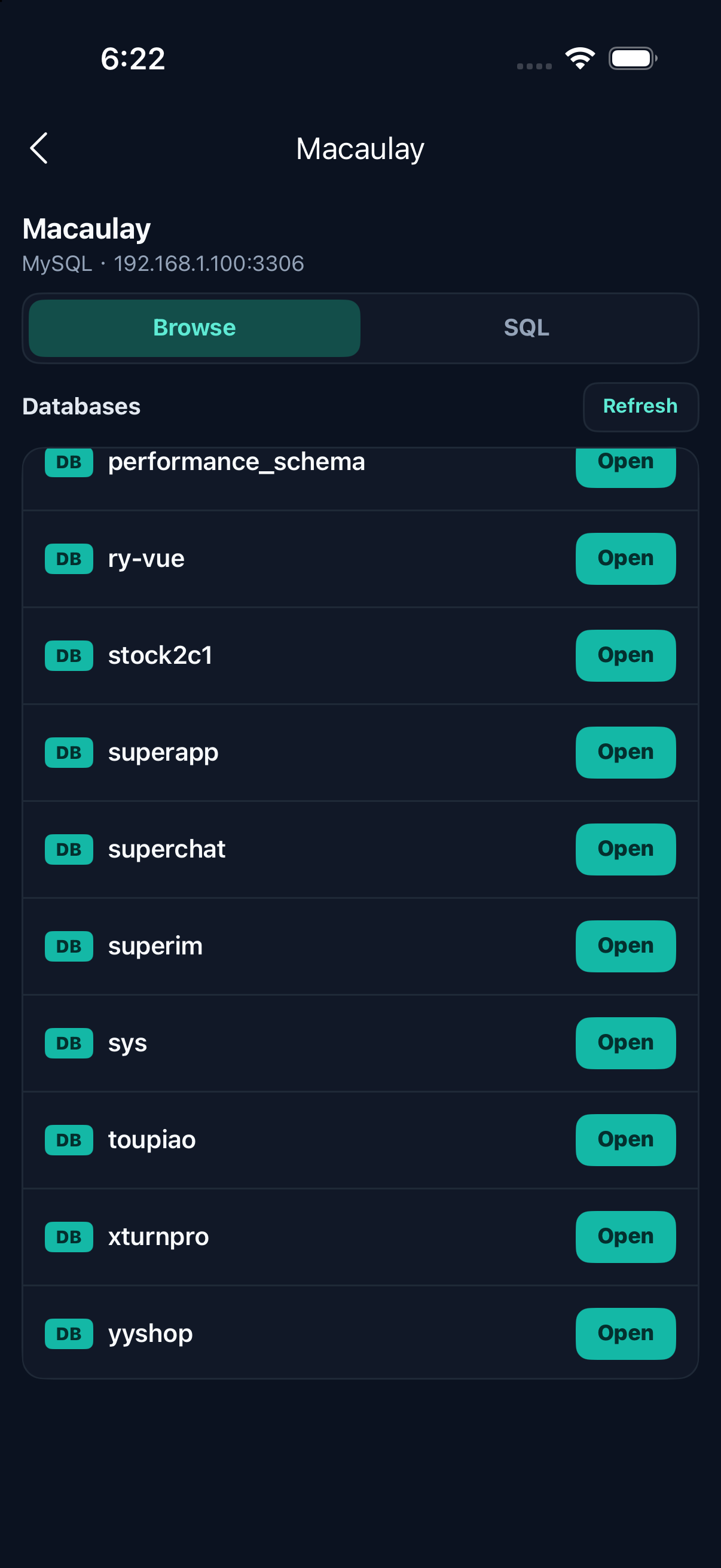
One tap on a database: table count, BLOB columns, tables with and without primary keys — a quick health read before you dig in.
Per-connection read-first mode: block browse edits, confirm write SQL, and auto-LIMIT SELECT so mobile taps are harder to regret.
Turn any result row into a readable card and copy it — share one record from your phone without wrestling a desktop spreadsheet.
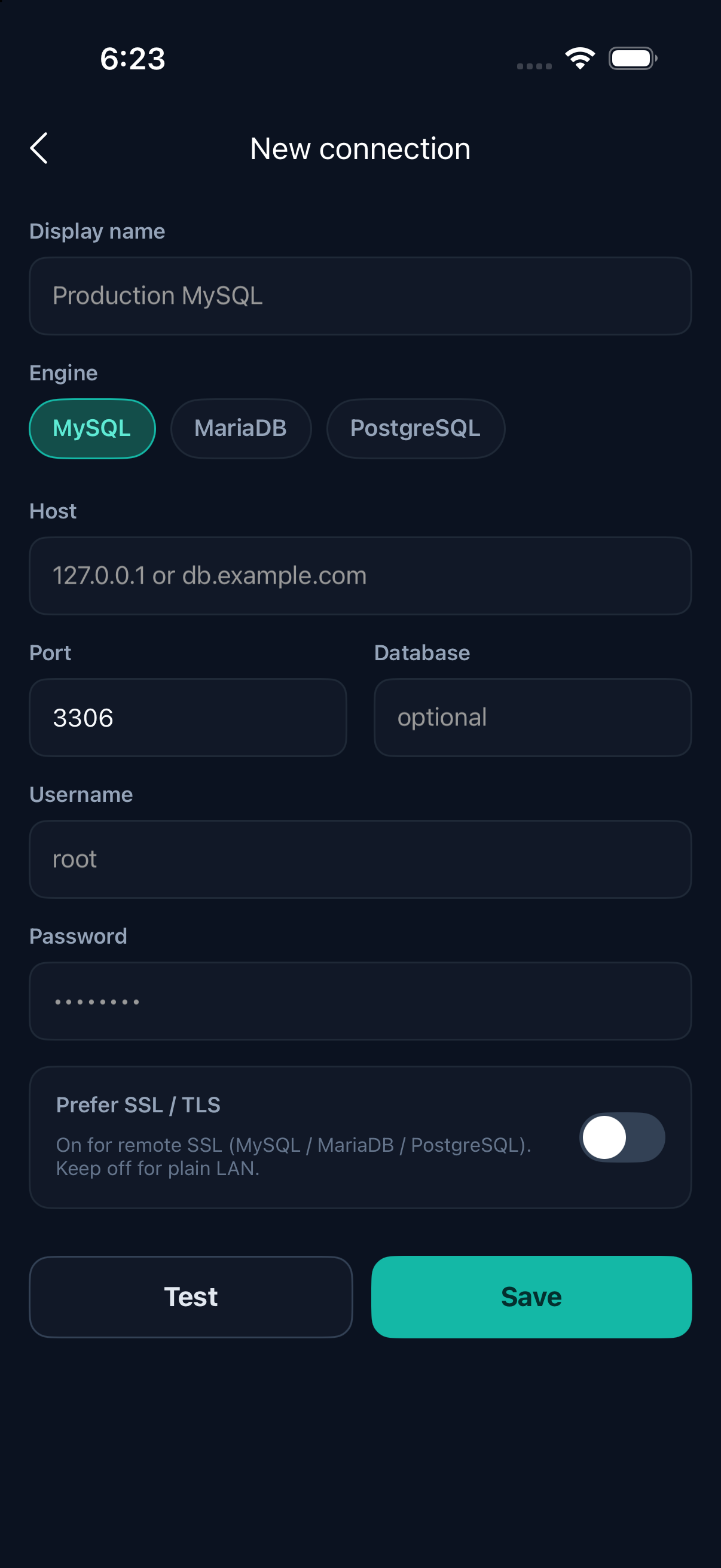
Save named connection profiles on device. LAN or remote hosts, with optional SSL/TLS when you need encrypted transport.
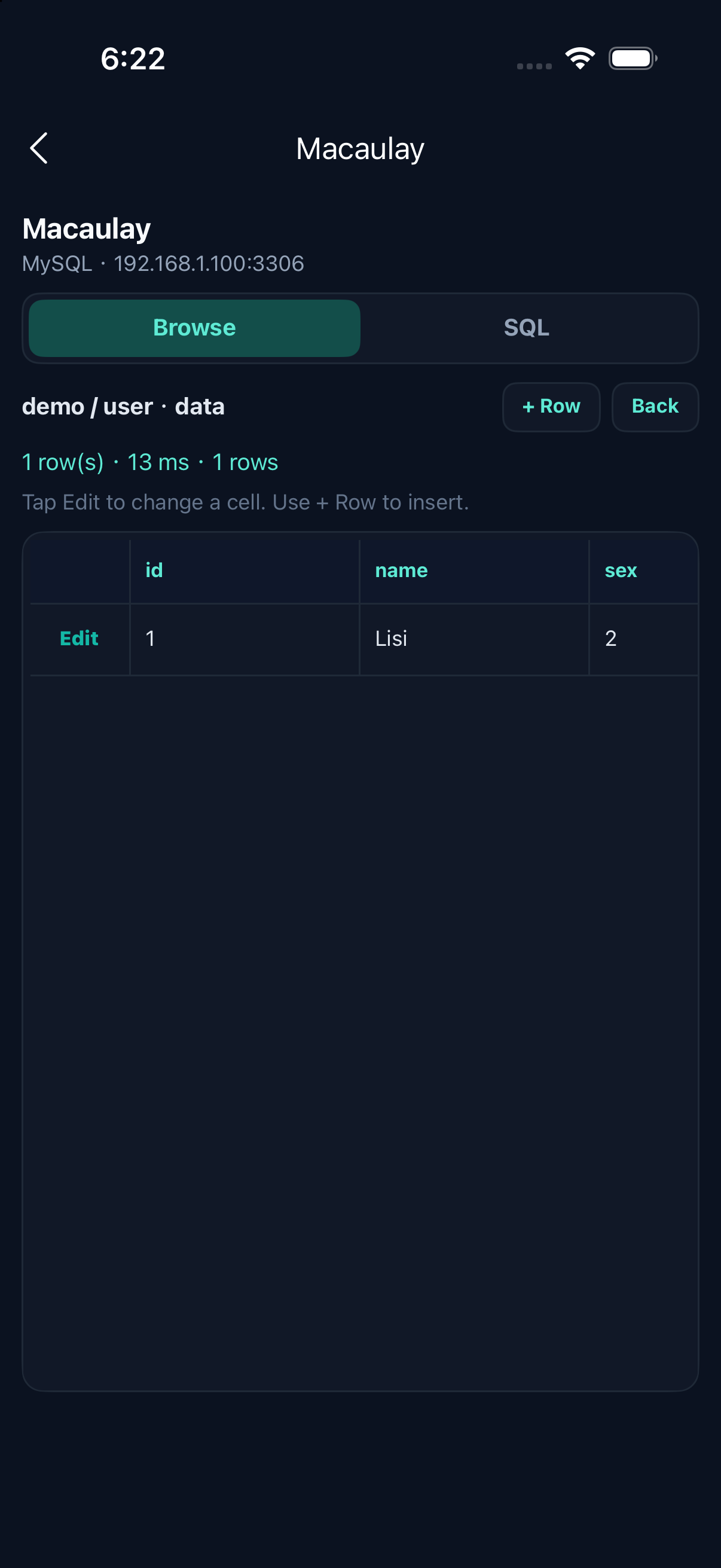
Walk databases and tables, open result grids with horizontal and vertical scroll — including empty tables that still load cleanly.
Create tables, rename tables, add or drop columns, and drop tables from the phone — without jumping back to a desktop client.
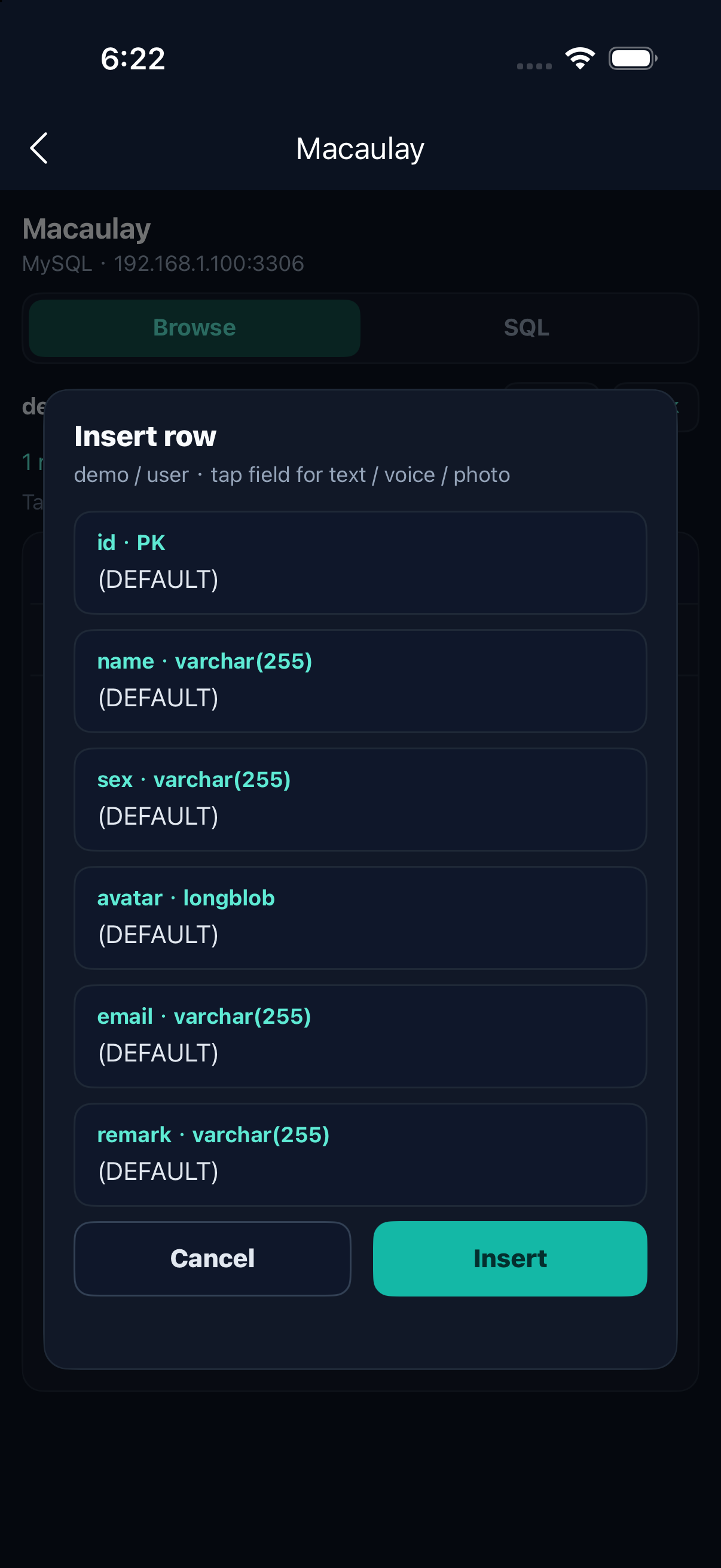
Update cells when a primary key exists. Insert new rows with the same helpers you use while editing — built for quick mobile ops.
Dictate text into editable cells when typing is awkward. Optional — only used when you tap Voice on insert or edit.
Capture or pick images into image/BLOB columns, preview them, and save back to Photos. Prefer MEDIUMBLOB / LONGBLOB for camera shots.
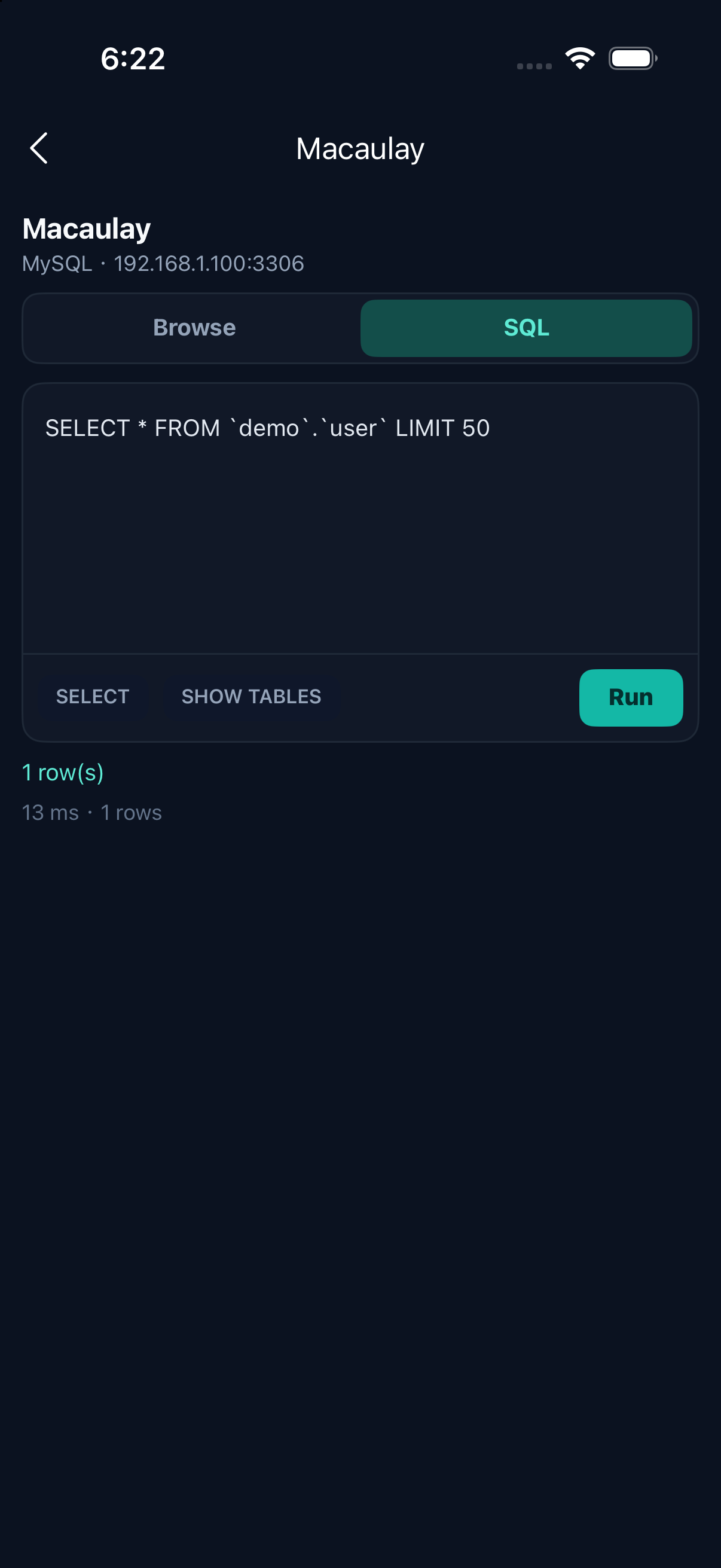
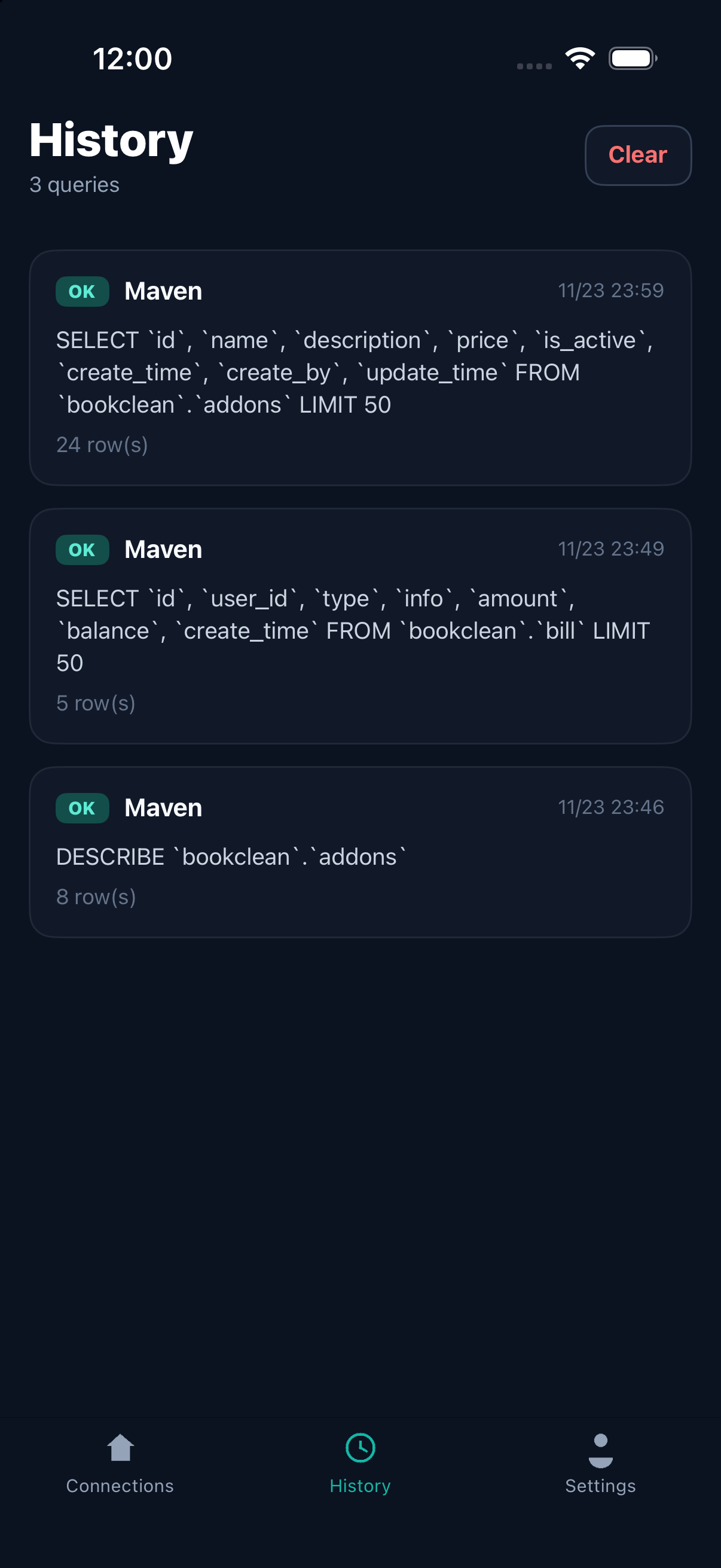
Run your own statements, review result grids, and keep a local query history on this device for quick reuse.
No account required. Connection credentials stay on your device. You connect straight to databases you control.
Three steps from install to your first result grid.
Host, port, user, password, optional database and SSL — saved locally as a named profile.
Open databases and tables, reshape schema when needed, or jump into the SQL tab for custom statements and history.
Update cells when a primary key exists. Insert rows, manage columns, or use voice and photos where it helps.
Open Hexrow, add a connection you trust, and start exploring. Read the User Guide first if you are new.